Top100 Tech Lab may earn a commission from qualifying purchases when affiliate tracking is active. This never changes what you pay or how we frame our advice. Read the full disclosure.
Power a desk safely, leave room for bulky adapters, and understand what surge protection does not replace.
A real-life starting point
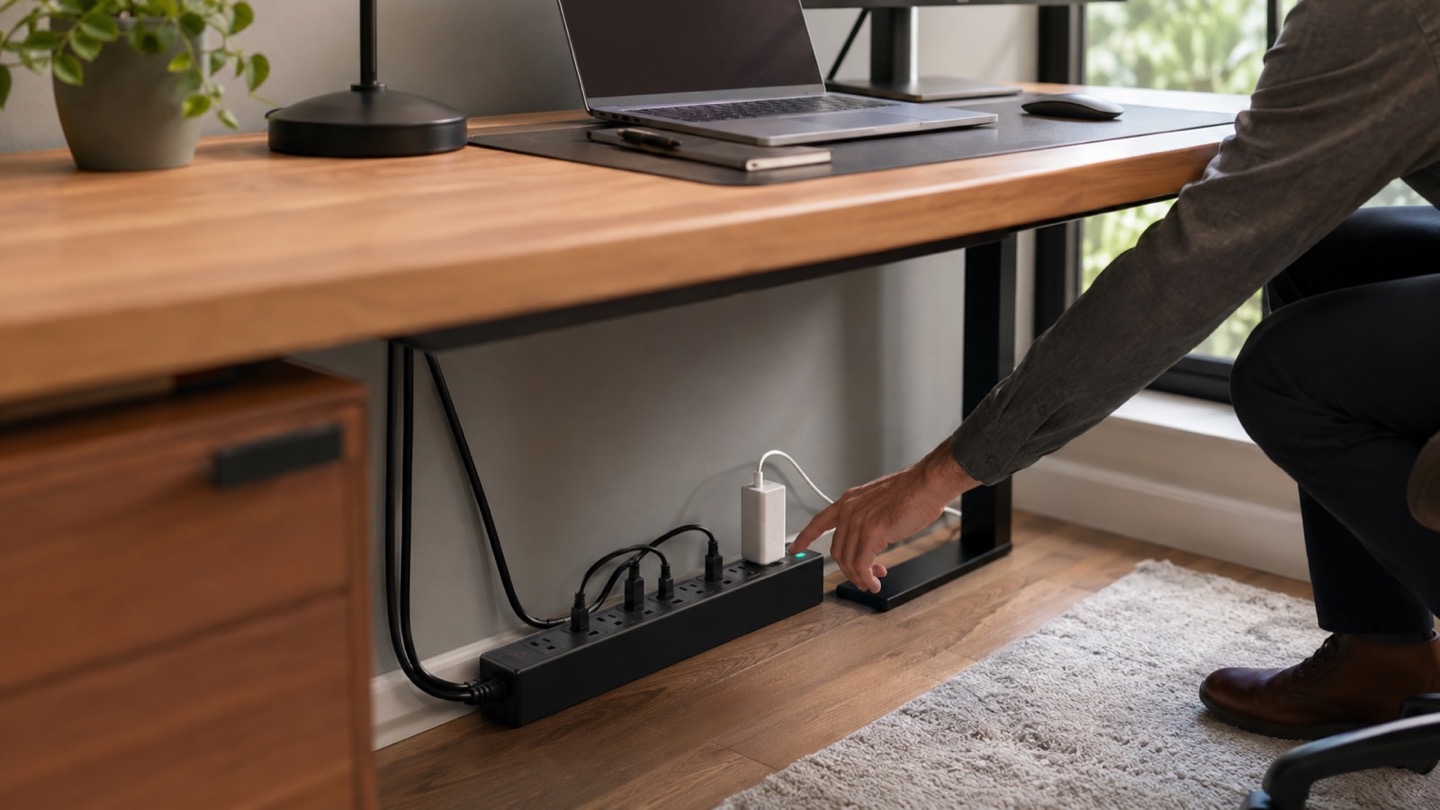
A laptop charger, monitor, lamp, router, and phone adapter compete for outlets behind a desk. Daisy-chained strips create clutter and risk, while tightly packed sockets make half the positions unusable.
A surge protector can help divert certain voltage spikes, but it is not a substitute for proper building wiring, grounding, overload protection, or an uninterruptible power supply when shutdown time is essential. Protection components also age.
Three useful buying paths
These are practical search directions rather than fixed winners. Product versions, sellers, availability, and prices change, so verify the current listing against the checklist below.
Certified surge protector with spaced outlets
Accommodates common power bricks and exposes protection status clearly.
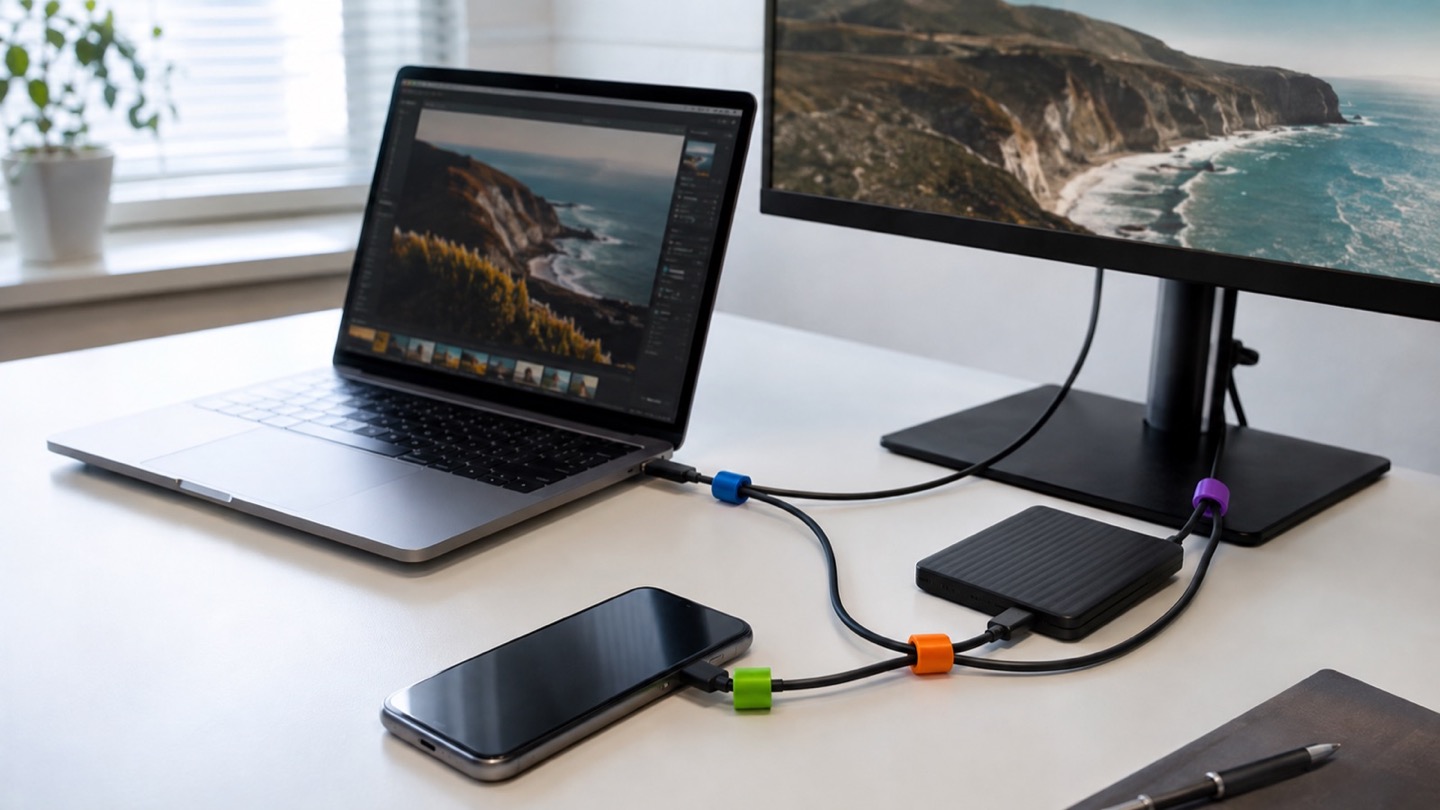
Desk charging station with AC and USB-C
Places low-voltage charging within reach while larger cords stay below.
UPS for modem and computer
Adds temporary battery power when an outage—not only a surge—is the concern.
Amazon availability and prices can change at any time. Match the full model, included accessories, seller, and return terms before ordering.
What matters before you buy
Safety certification
Choose a product certified for the applicable market and sold by a traceable manufacturer and seller.
Protection status
A visible indicator should show whether surge protection remains active. Read the manual for replacement guidance.
Outlet layout
Count plugs and measure power bricks. Rotated or widely spaced outlets can be more useful than a larger raw count.
Cord and mounting
Match cord length, plug angle, wall clearance, and mounting holes to the actual desk without creating a trip hazard.
USB power budget
Integrated USB wattage is shared. It may charge phones well but be insufficient for a laptop under load.
How to make the choice
Draw the desk power map and total the labeled wattage of the equipment, while following the strip maker’s load limits. High-draw heating appliances do not belong on an office strip. Keep ventilation open and never cover the unit with papers or fabric.
If short outages interrupt work or the router, compare a UPS instead of expecting a surge strip to provide backup. A UPS requires battery maintenance and should be sized to the equipment and desired runtime.
Your five-minute pre-purchase check
- Write down the exact devices, room, and routine the product must support.
- Open the manufacturer documentation for the precise model or regional variant.
- Price required cables, mounts, subscriptions, consumables, or adapters.
- Confirm seller identity, warranty route, delivery contents, and return window.
- Save the listing details you relied on because marketplace pages can change.
Common mistakes to avoid
- Daisy-chaining power strips to reach more devices
- Assuming a surge protector supplies battery backup
- Ignoring a failed protection light or placing the strip under combustible clutter
Buy for the routine, not the headline
Choose a certified surge protector with clearly spaced outlets, a visible protection indicator, and a cord that fits the desk. Add USB-C only for convenience, and use a properly sized UPS when continuity during outages matters.
Browse relevant optionsFrequently asked questions
Is a power strip the same as a surge protector?
No. A basic strip may only provide additional outlets. Look for explicit surge-protection specifications and status information.
Can I plug one surge protector into another?
Do not daisy-chain strips. Use a single appropriately rated product and consult an electrician if the room lacks sufficient safe outlets.
How this guide was prepared
Top100 Tech Lab organized this guide around a real purchasing situation, the capabilities commonly documented for this category, compatibility checks, and the costs that often appear after checkout. We do not present manufacturer claims as independent measurements, and we do not invent personal test results. When a listing conflicts with official documentation, use the manufacturer’s exact model information and contact the seller before buying.