Top100 Tech Lab may earn a commission from qualifying purchases when affiliate tracking is active. This never changes what you pay or how we frame our advice. Read the full disclosure.
Look clear and natural in the room you already have, without buying resolution the meeting app discards.
A real-life starting point
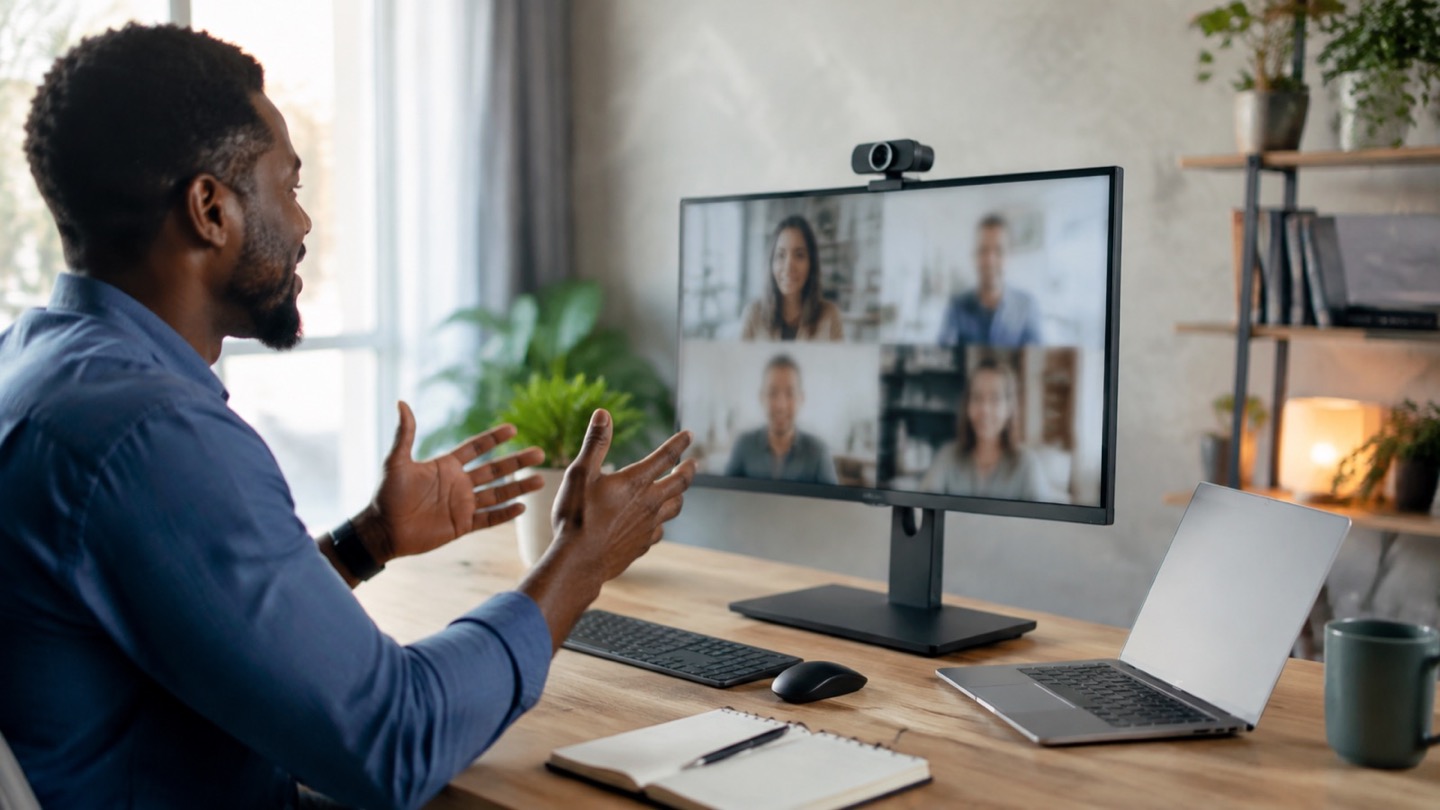
A laptop sits below eye level, a bright window is behind the desk, and the built-in camera turns the face into a shadow. An external webcam on the monitor can improve angle and exposure, but moving a lamp may produce a bigger change than jumping from 1080p to 4K.
Most meeting platforms compress video. Higher-resolution capture can help with cropping and framing, yet dependable autofocus, skin-tone exposure, and low-light behavior are often more visible to colleagues.
Three useful buying paths
These are practical search directions rather than fixed winners. Product versions, sellers, availability, and prices change, so verify the current listing against the checklist below.
1080p webcam with reliable autofocus
A sensible upgrade for monitor placement and consistent calls.
Webcam with strong exposure controls
Useful in rooms with changing daylight or bright backgrounds.
High-resolution webcam with adjustable field of view
Allows tighter crops or a wider whiteboard view when software supports it.
Amazon availability and prices can change at any time. Match the full model, included accessories, seller, and return terms before ordering.
What matters before you buy
Exposure and color
Faces should remain natural near windows and lamps. Compare samples in rooms like yours, not only studio lighting.
Field of view
A narrow option keeps a bedroom or busy office out of frame; a wide option helps two people or a physical demonstration.
Mount
The clip must sit securely on the monitor without covering the screen, and a tripod thread adds placement flexibility.
Autofocus behavior
Focus should settle without hunting whenever you gesture or lean back. Fixed focus may be fine at a consistent desk distance.
Privacy
A built-in physical shutter provides a visible state when the camera is not in use.
How to make the choice
Raise the existing laptop and face a window or soft lamp before buying. If the picture improves, the main issue was position or light. An external webcam is still useful when the monitor is at eye level, the field of view is wrong, or a desktop computer has no camera.
Keep the camera near eye level and look toward it during key moments. A separate microphone or headset may improve speech more than a webcam’s built-in mic, especially when the camera sits far away on a large display.
Your five-minute pre-purchase check
- Write down the exact devices, room, and routine the product must support.
- Open the manufacturer documentation for the precise model or regional variant.
- Price required cables, mounts, subscriptions, consumables, or adapters.
- Confirm seller identity, warranty route, delivery contents, and return window.
- Save the listing details you relied on because marketplace pages can change.
Common mistakes to avoid
- Paying for 4K when the real problem is backlighting
- Choosing a very wide lens that reveals the whole room
- Assuming a webcam microphone will sound close when the monitor is several feet away
Buy for the routine, not the headline
For most remote meetings, a well-exposed 1080p webcam with reliable focus, adjustable framing, a secure mount, and a privacy shutter is enough. Fix the light and camera height at the same time.
Browse relevant optionsFrequently asked questions
Do I need a 4K webcam for video meetings?
Usually not. It can help with cropping or content creation, but meeting apps and networks often reduce transmitted resolution.
Where should I place a webcam?
Near eye level and close to the window you watch on screen. Avoid a low upward angle and strong uncovered light directly behind you.
How this guide was prepared
Top100 Tech Lab organized this guide around a real purchasing situation, the capabilities commonly documented for this category, compatibility checks, and the costs that often appear after checkout. We do not present manufacturer claims as independent measurements, and we do not invent personal test results. When a listing conflicts with official documentation, use the manufacturer’s exact model information and contact the seller before buying.