Top100 Tech Lab may earn a commission from qualifying purchases when affiliate tracking is active. This never changes what you pay or how we frame our advice. Read the full disclosure.
Choose the right cable for charging, data, and video instead of expecting one connector to guarantee every feature.
A real-life starting point
A cable charges the phone perfectly but produces no image from the laptop to a monitor. Another moves files slowly despite looking thick and premium. The connectors match; the capabilities do not.
The simplest cable drawer uses labels by job: everyday charging, high-power laptop charging, fast storage, and display/dock connection. Trying to make every long inexpensive cable handle every task usually creates uncertainty.
Three useful buying paths
These are practical search directions rather than fixed winners. Product versions, sellers, availability, and prices change, so verify the current listing against the checklist below.
Durable USB-C charging cable
Flexible and appropriately rated for phones, tablets, and routine laptop power.
Short high-speed USB-C data cable
Designed for portable SSDs and docks where transfer bandwidth matters.
Full-featured USB-C cable with video support
Carries compatible data, display, and power signals through one link.
Amazon availability and prices can change at any time. Match the full model, included accessories, seller, and return terms before ordering.
What matters before you buy
Primary job
Choose power, data, or display first. A cable optimized for one may still perform the others at lower capability—or not at all.
Power rating
Laptop charging may require a 5A electronically marked cable. Match the charger, device, and cable rather than the cable alone.
Data generation
Check an explicit speed such as 5, 10, 20, or 40Gbps where relevant. ‘Fast’ is not a technical specification.
Video support
The cable and both devices must support the desired display mode. A charging cable may contain only basic data wiring.
Length
Longer passive cables can face stricter limits at high speed. Buy only the length needed for demanding data and display links.
How to make the choice
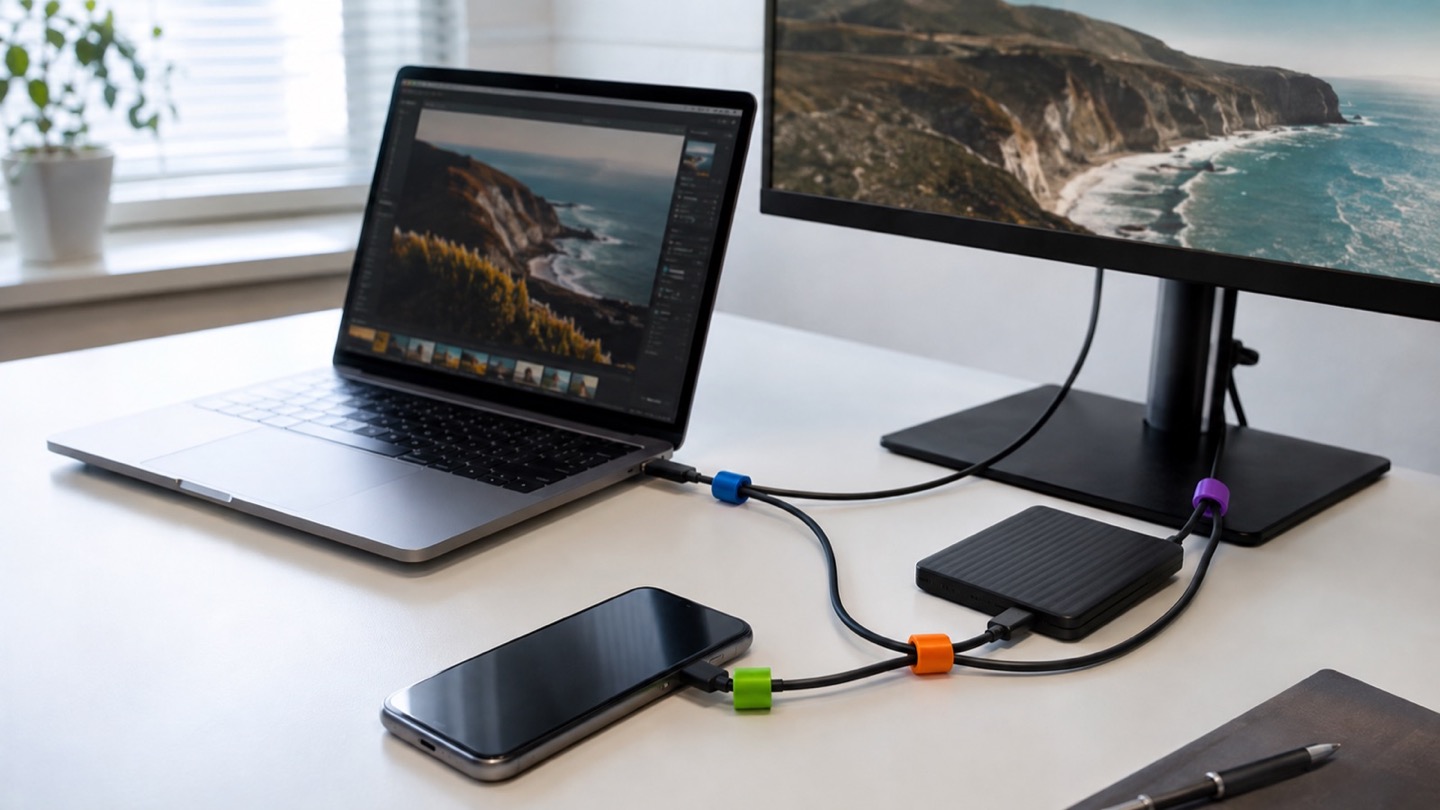
Inventory your cables and test them by use. Keep one short high-speed cable with each portable SSD or dock, and label laptop charging cables by wattage. Flexible lower-speed cables are often more pleasant for phones and power banks.
On marketplace listings, look for clear specification tables, relevant certification or compliance claims, and seller traceability. Avoid listings that promise every maximum simultaneously without explaining length or supported modes.
Your five-minute pre-purchase check
- Write down the exact devices, room, and routine the product must support.
- Open the manufacturer documentation for the precise model or regional variant.
- Price required cables, mounts, subscriptions, consumables, or adapters.
- Confirm seller identity, warranty route, delivery contents, and return window.
- Save the listing details you relied on because marketplace pages can change.
Common mistakes to avoid
- Assuming the USB-C connector guarantees video
- Buying a very long cable for maximum data speed without checking limits
- Using vague words like fast or premium instead of an explicit rating
Buy for the routine, not the headline
Do not search for one mysterious universal cable. Buy and label cables for their main jobs: flexible charging, short high-speed data, and full-featured display/dock use.
Browse relevant optionsFrequently asked questions
Why does a USB-C cable charge but not connect a monitor?
Some cables are wired for charging and basic data only. Video requires support from the cable, computer port, and display path.
What is an e-marked USB-C cable?
It contains an identification chip used to communicate supported capabilities, including certain higher-current or high-speed modes.
How this guide was prepared
Top100 Tech Lab organized this guide around a real purchasing situation, the capabilities commonly documented for this category, compatibility checks, and the costs that often appear after checkout. We do not present manufacturer claims as independent measurements, and we do not invent personal test results. When a listing conflicts with official documentation, use the manufacturer’s exact model information and contact the seller before buying.