Top100 Tech Lab may earn a commission from qualifying purchases when affiliate tracking is active. This never changes what you pay or how we frame our advice. Read the full disclosure.
Carry large libraries and reduce reinstalling while respecting each platform’s storage rules.
A real-life starting point
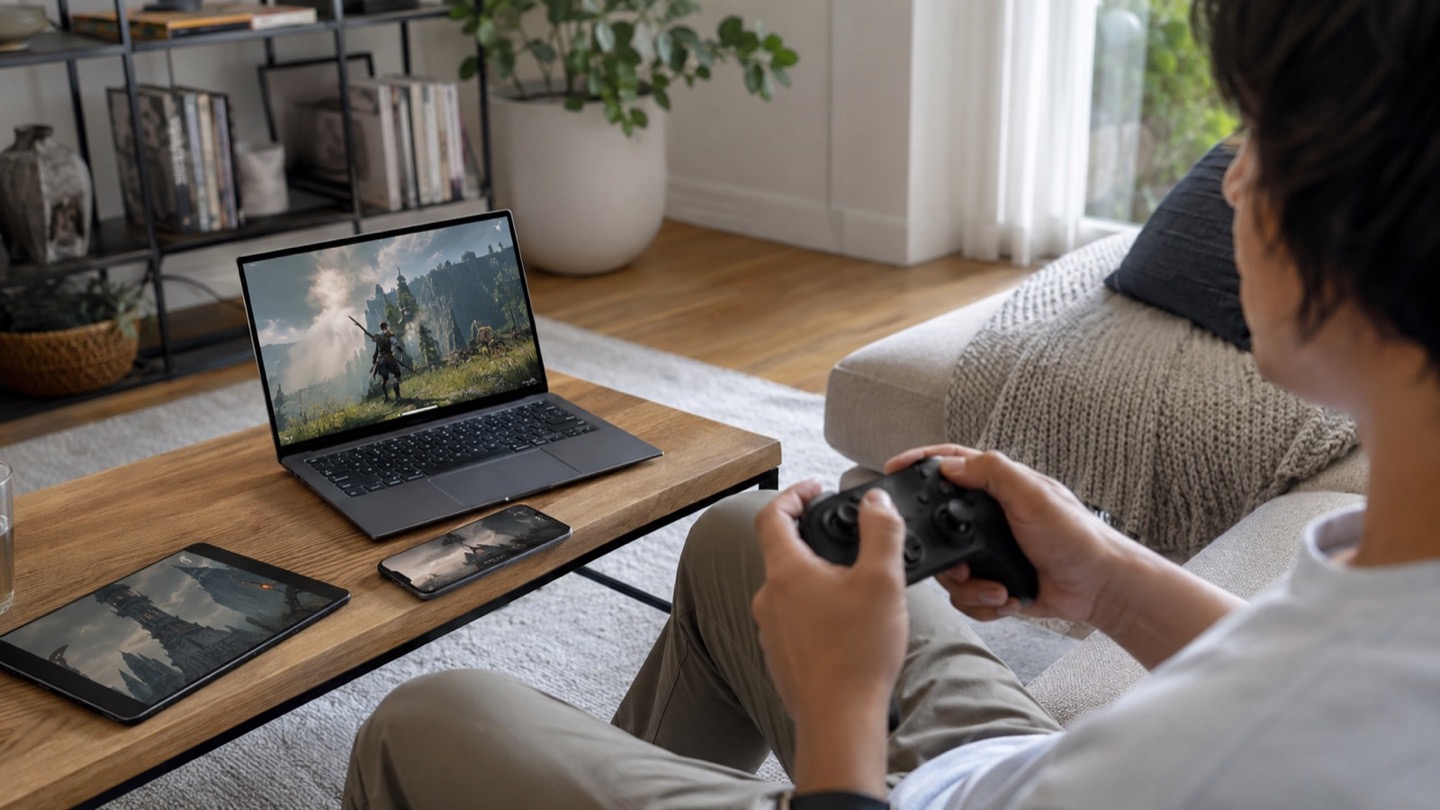
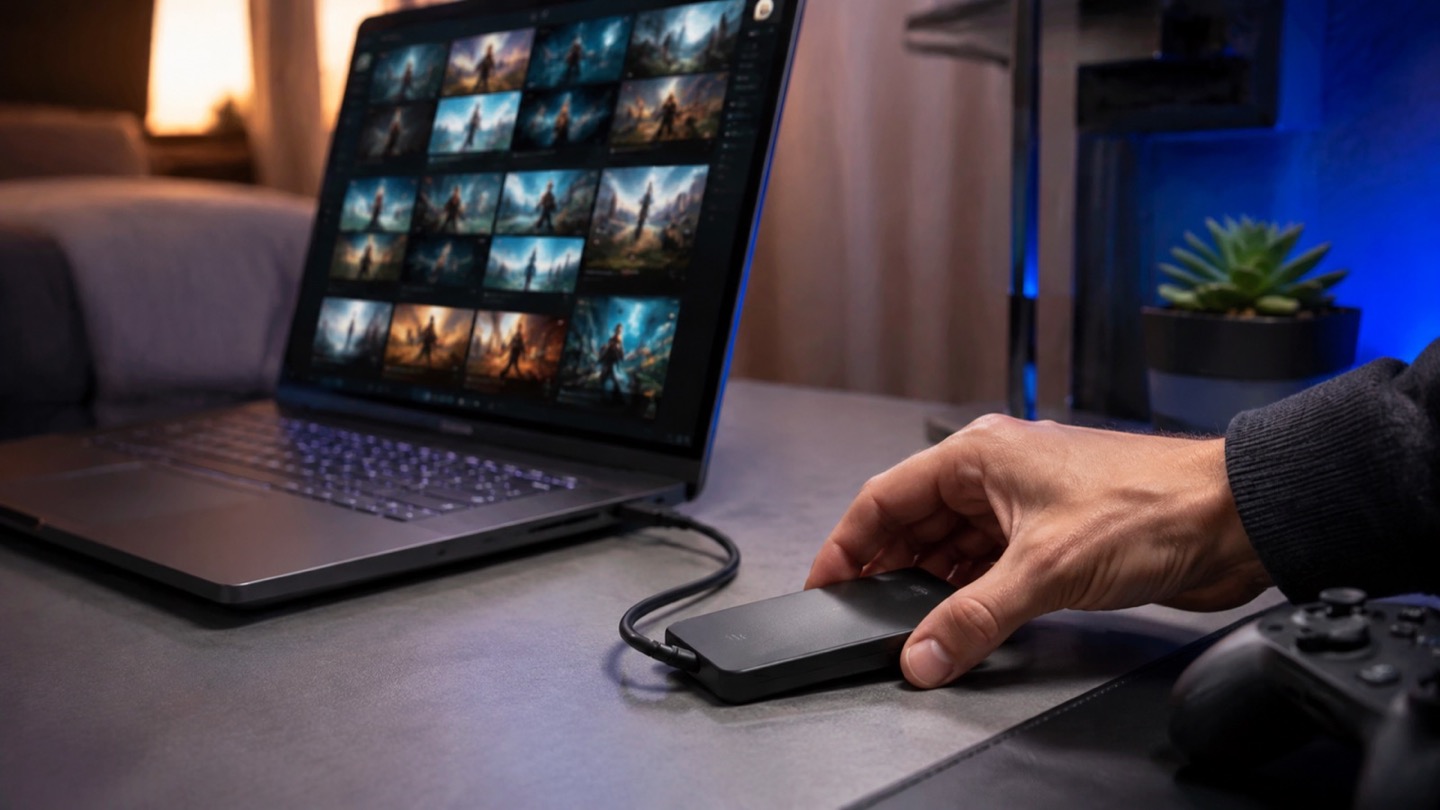
A laptop’s internal drive is full after a few large games, and downloading them again is slow. A portable SSD can hold a working library, move games between compatible computers, or archive console titles—but current-generation console rules differ on which games can run directly from external storage.
The drive’s advertised maximum assumes a compatible high-speed port and workload. Game launches involve many files and platform overhead, so the fastest number on the box will not translate directly into proportional load-time gains.
Three useful buying paths
These are practical search directions rather than fixed winners. Product versions, sellers, availability, and prices change, so verify the current listing against the checklist below.
1TB or 2TB USB-C portable SSD
A practical balance of capacity, size, and broad computer compatibility.
Rugged portable SSD
Adds environmental protection when the drive regularly leaves the desk.
Platform-compatible external SSD
Choose only after checking whether games can run, transfer, or archive on your console.
Amazon availability and prices can change at any time. Match the full model, included accessories, seller, and return terms before ordering.
What matters before you buy
Usable capacity
Compare the installed size of your active library and leave working room. The formatted capacity will appear lower than the marketing label.
Interface match
A fast drive connected to a slower USB port operates at the slower link. Confirm connectors, generation, and cable.
Sustained behavior
Long transfers can slow after a cache fills or as temperature rises. Independent large-file tests reveal more than peak figures.
Platform rules
Computers and consoles have different formatting, encryption, and play-from-external requirements.
Physical protection
A compact SSD still needs strain relief and a safe place. Water or dust ratings cover only specified conditions.
How to make the choice
Add the installed sizes of the games you revisit, not every title you own. A 1TB drive may be enough for a rotating PC library; 2TB reduces management if individual games are very large. More capacity often delivers more practical value than a higher interface tier.
Use the included cable first and label it. Short, capable USB cables can look identical to charge-only or slower cables. Eject the drive properly and avoid disconnecting it while a launcher is updating files.
Your five-minute pre-purchase check
- Write down the exact devices, room, and routine the product must support.
- Open the manufacturer documentation for the precise model or regional variant.
- Price required cables, mounts, subscriptions, consumables, or adapters.
- Confirm seller identity, warranty route, delivery contents, and return window.
- Save the listing details you relied on because marketplace pages can change.
Common mistakes to avoid
- Expecting the headline speed through an incompatible port or cable
- Assuming every console game runs directly from generic external storage
- Filling the drive completely and leaving no room for updates
Buy for the routine, not the headline
For most PC libraries, choose a reputable 1TB or 2TB USB-C SSD and match it to the computer’s actual port. Console buyers should begin with official platform storage rules before comparing drives.
Browse relevant optionsFrequently asked questions
Can I run PC games from a portable SSD?
Generally yes when the game launcher supports the library location and the connection is stable. Performance varies with the drive, port, cable, and game.
Why is my new SSD slower than advertised?
The port, cable, workload, cache, temperature, or file system may limit it. Advertised figures are typically peak results under specific conditions.
How this guide was prepared
Top100 Tech Lab organized this guide around a real purchasing situation, the capabilities commonly documented for this category, compatibility checks, and the costs that often appear after checkout. We do not present manufacturer claims as independent measurements, and we do not invent personal test results. When a listing conflicts with official documentation, use the manufacturer’s exact model information and contact the seller before buying.