Top100 Tech Lab may earn a commission from qualifying purchases when affiliate tracking is active. This never changes what you pay or how we frame our advice. Read the full disclosure.
Smooth motion and readable everyday work without paying for resolution your graphics card cannot drive.
A real-life starting point
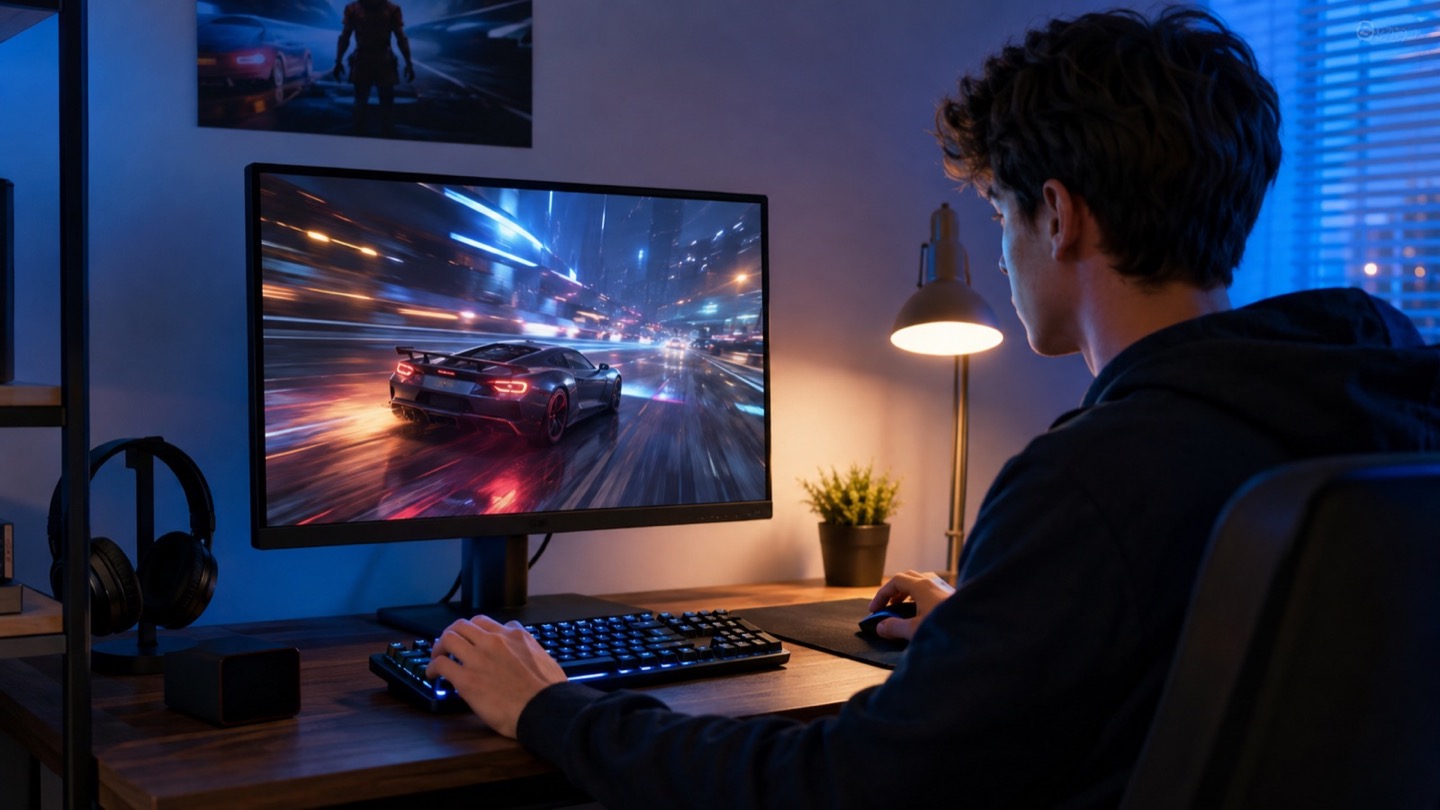
A compact PC plays competitive games after dinner and handles homework or remote work during the day. The graphics card performs well at 1080p, and upgrading the display should make motion feel clearer without forcing an expensive GPU replacement.
At this resolution, 24 to 25 inches is the natural desk size for many players. A higher refresh rate can improve responsiveness, but only when pixel transitions are controlled and the computer can deliver useful frame rates in the games you play.
Three useful buying paths
These are practical search directions rather than fixed winners. Product versions, sellers, availability, and prices change, so verify the current listing against the checklist below.
24-inch 1080p high-refresh IPS monitor
Good viewing angles and motion for mixed gaming and daily use.
Fast 24.5-inch esports monitor
Higher refresh can matter when the PC consistently produces very high frame rates.
1080p monitor with HDMI high-refresh support
Useful when the exact console modes and ports are documented.
Amazon availability and prices can change at any time. Match the full model, included accessories, seller, and return terms before ordering.
What matters before you buy
Refresh rate and frame rate
A high-refresh panel feels best when the system can deliver matching frames. Check the games and graphics settings you actually use.
Response tuning
Aggressive overdrive can create bright inverse trails. Independent motion testing is more useful than a single advertised millisecond.
Adaptive sync
Variable refresh can smooth uneven frame delivery. Verify supported ranges and connection requirements for your graphics hardware.
Stand and VESA support
Height adjustment is valuable for a multipurpose desk; VESA support allows a later monitor arm.
Port bandwidth
Confirm which HDMI or DisplayPort input supports the desired resolution, refresh, and adaptive-sync combination.
How to make the choice
Check average frame rates in your three most-played games at your normal settings. If they sit well below the monitor’s maximum, a modest refresh model with better motion tuning and color may be the smarter purchase.
Budget monitors often reuse similar names across retailers. Match the complete model code, stand features, included cable, and port specifications. A slightly cheaper variant may remove height adjustment or use a different panel.
Your five-minute pre-purchase check
- Write down the exact devices, room, and routine the product must support.
- Open the manufacturer documentation for the precise model or regional variant.
- Price required cables, mounts, subscriptions, consumables, or adapters.
- Confirm seller identity, warranty route, delivery contents, and return window.
- Save the listing details you relied on because marketplace pages can change.
Common mistakes to avoid
- Buying by the advertised response-time number alone
- Choosing a 27-inch 1080p screen for close desk use without seeing the pixel density
- Assuming every input supports the maximum refresh rate
Buy for the routine, not the headline
For most budget PC setups, a 24-inch 1080p IPS monitor with well-tuned high refresh, adaptive sync, and a usable stand is the sweet spot. Spend on motion quality and ergonomics before chasing the highest label.
Browse relevant optionsFrequently asked questions
Is 1080p still good for gaming?
Yes, especially at 24 inches and when higher frame rates matter more than fine detail. It also places less demand on the graphics card.
Do I need the maximum refresh rate all the time?
No. Variable refresh can keep lower, changing frame rates smooth within its supported range.
How this guide was prepared
Top100 Tech Lab organized this guide around a real purchasing situation, the capabilities commonly documented for this category, compatibility checks, and the costs that often appear after checkout. We do not present manufacturer claims as independent measurements, and we do not invent personal test results. When a listing conflicts with official documentation, use the manufacturer’s exact model information and contact the seller before buying.