Top100 Tech Lab may earn a commission from qualifying purchases when affiliate tracking is active. This never changes what you pay or how we frame our advice. Read the full disclosure.
More mouse room without turning essential keys into a daily puzzle.
A real-life starting point
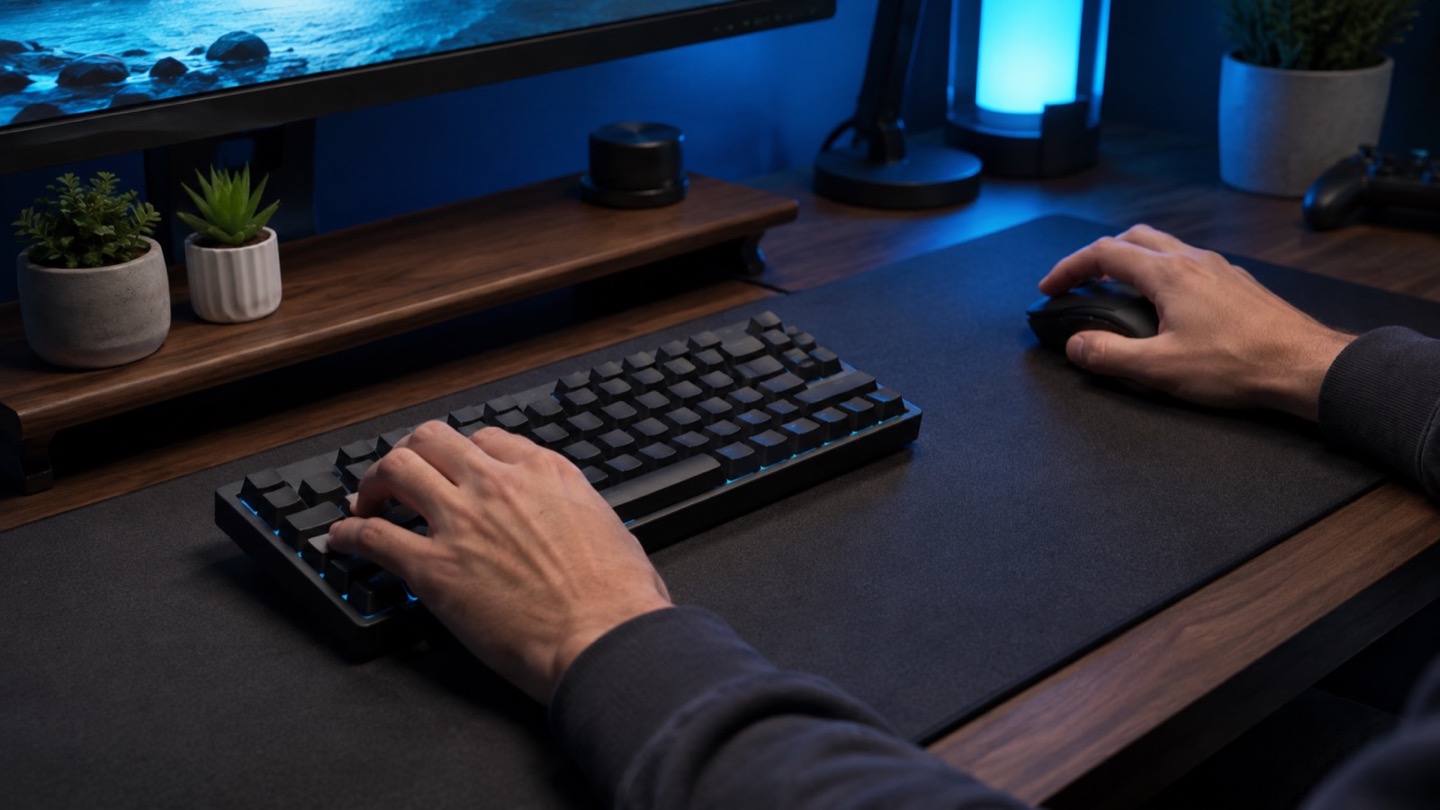
The mouse hits the keyboard during a wide movement, yet there is no room for a larger desk. Removing the number pad creates immediate space, but removing dedicated arrow and function keys may slow down work or game shortcuts the next morning.
For most mixed-use desks, a 75% layout is the safe compact choice because it keeps the function row and arrows. A 65% board is smaller while retaining arrows. A 60% layout prioritizes minimum width and relies much more on layers.
Three useful buying paths
These are practical search directions rather than fixed winners. Product versions, sellers, availability, and prices change, so verify the current listing against the checklist below.
75% mechanical keyboard
Keeps arrows and function keys while reclaiming meaningful mouse space.
65% mechanical keyboard
Drops the function row but keeps dedicated arrow keys.
60% mechanical keyboard
Smallest common layout for users comfortable with function layers.
Amazon availability and prices can change at any time. Match the full model, included accessories, seller, and return terms before ordering.
What matters before you buy
Key access
List arrows, function keys, navigation, screenshots, media, and game binds. Confirm their exact positions or layer shortcuts.
Switch choice
Linear switches are common for games, but tactile feedback may help mixed typing. Sound depends on the entire board.
Remapping
Onboard or well-supported configuration lets compact layouts fit your habits. Browser or operating-system support varies.
Hot-swap support
Replaceable switches can extend life and allow experimentation, but socket compatibility must match switch type.
Wireless mode
A dedicated low-latency receiver suits games; Bluetooth is convenient for multiple devices; USB remains the simplest fallback.
How to make the choice
Print a layout image at approximate size and place it on the desk. Run through a workday and your most-played game mentally: volume, escape, tilde, function row, arrows, delete, and push-to-talk. One missing key used twenty times a day can erase the space benefit.
If the board will be shared, include sound in the decision. A desk mat, damped case, and quiet switches help, but stabilization of the spacebar and larger keys often determines whether the board sounds refined or distracting.
Your five-minute pre-purchase check
- Write down the exact devices, room, and routine the product must support.
- Open the manufacturer documentation for the precise model or regional variant.
- Price required cables, mounts, subscriptions, consumables, or adapters.
- Confirm seller identity, warranty route, delivery contents, and return window.
- Save the listing details you relied on because marketplace pages can change.
Common mistakes to avoid
- Buying a 60% layout because it looks clean without learning its layers
- Assuming every hot-swap socket accepts every switch
- Choosing clicky switches for a shared room or live microphone
Buy for the routine, not the headline
A 75% keyboard gives most players the best small-desk compromise; move to 65% or 60% only when the gained inches are worth more shortcut layers. Layout fit is more important than switch fashion.
Browse relevant optionsFrequently asked questions
Is a 60% keyboard good for gaming?
It can be excellent for mouse space and common game controls, but games or work that use function and navigation keys may require frequent layers.
What does hot-swappable mean?
Compatible switches can be removed without soldering. It does not guarantee support for every switch format, so check socket specifications.
How this guide was prepared
Top100 Tech Lab organized this guide around a real purchasing situation, the capabilities commonly documented for this category, compatibility checks, and the costs that often appear after checkout. We do not present manufacturer claims as independent measurements, and we do not invent personal test results. When a listing conflicts with official documentation, use the manufacturer’s exact model information and contact the seller before buying.