Top100 Tech Lab may earn a commission from qualifying purchases when affiliate tracking is active. This never changes what you pay or how we frame our advice. Read the full disclosure.
A quiet, portable workday without turning the dining table into a server room.
A real-life starting point
At 8:45 a.m., the dining table is a breakfast spot. By 9:00, it needs to become a reliable office, and at 6:00 it has to disappear again. That routine changes what ‘best laptop’ means: a giant gaming machine with a heavy charger may be fast, but it is awkward when every cable must be packed away before dinner.
For this kind of home, prioritize a 13- to 14-inch notebook that wakes quickly, stays composed on video calls, and can run a browser, office apps, messaging, and light creative work together. A good webcam position, clear microphones, and a charger that fits the same pouch as your phone matter more in daily life than a benchmark lead you may never notice.
Three useful buying paths
These are practical search directions rather than fixed winners. Product versions, sellers, availability, and prices change, so verify the current listing against the checklist below.
14-inch, 16GB everyday ultrabook
A practical mix of screen room, portability, and multitasking headroom.
13-inch long-battery notebook
Ideal when the laptop moves between a table, sofa, library, and coworking desk.
14-inch laptop with color-accurate display
Worth considering for regular photo, video, or design work.
Amazon availability and prices can change at any time. Match the full model, included accessories, seller, and return terms before ordering.
What matters before you buy
Memory before prestige
For a browser-heavy workday, 16GB of memory is a sensible floor. It helps keep calls, documents, and many tabs responsive without paying for a flagship badge.
A screen that works at arm’s length
A 16:10 display gives documents more vertical room. Look for usable brightness and a matte or well-controlled glossy finish if a window sits behind you.
Call quality
A 1080p-class webcam, sensible exposure, and microphones that reject room echo are valuable when your apartment is also your meeting room.
One-cable expansion
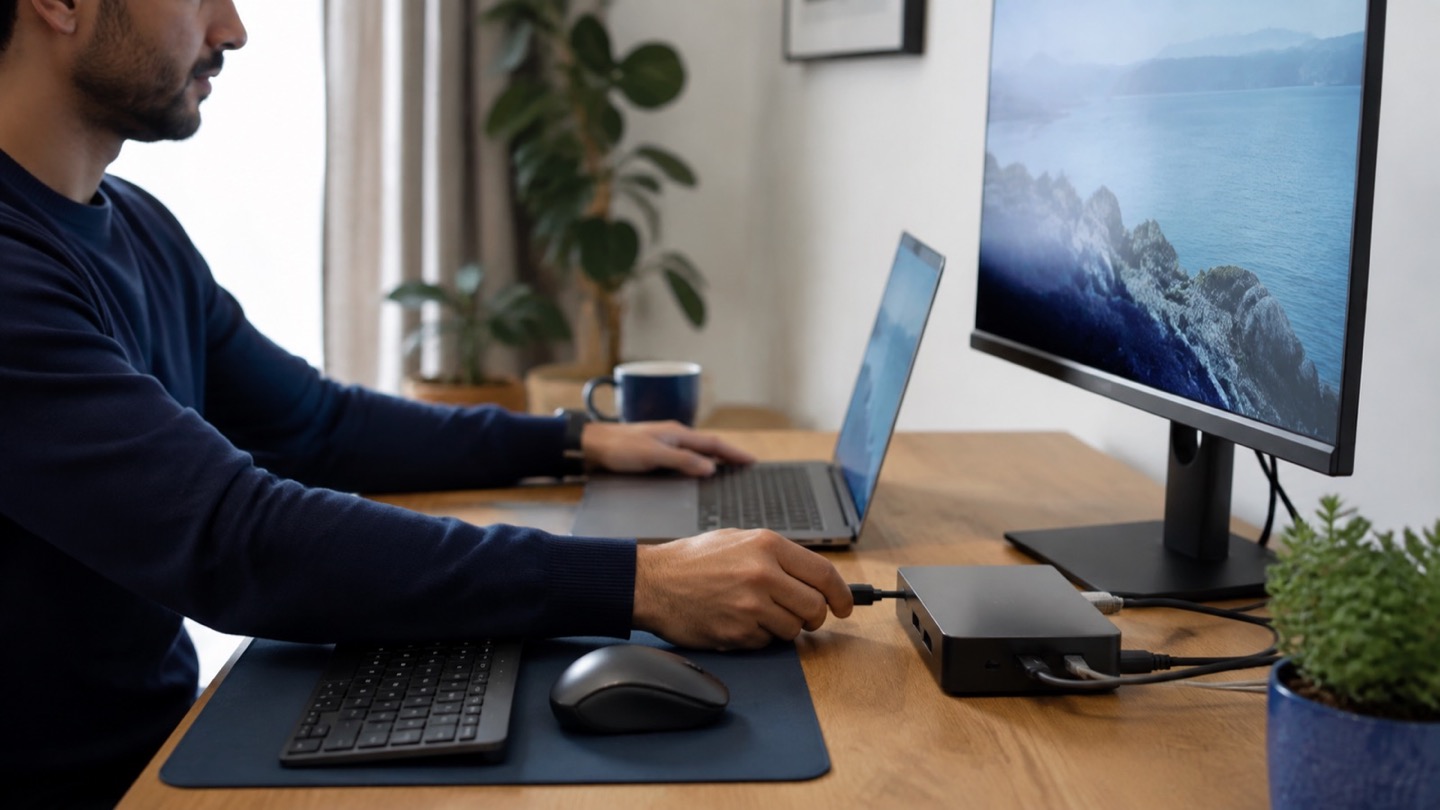
USB-C charging and display output let you add a monitor or dock later while keeping the daily setup clean.
Acoustics and heat
Reviews that describe fan behavior during normal office work are often more useful than peak-performance charts for a quiet shared home.
How to make the choice
Map the laptop to your heaviest normal hour, not an imaginary future workload. If that hour is a video meeting beside a spreadsheet, a presentation, and twenty browser tabs, a modern mainstream processor with 16GB of memory is usually the sensible target. Regular 4K editing, large code builds, or 3D work justify stepping up.
Measure the shelf, drawer, or bag where the computer will live after work. Then include the charger in the decision. A compact USB-C adapter makes a surprisingly large difference when the entire office must be cleared each evening.
Your five-minute pre-purchase check
- Write down the exact devices, room, and routine the product must support.
- Open the manufacturer documentation for the precise model or regional variant.
- Price required cables, mounts, subscriptions, consumables, or adapters.
- Confirm seller identity, warranty route, delivery contents, and return window.
- Save the listing details you relied on because marketplace pages can change.
Common mistakes to avoid
- Buying a large screen without checking the laptop’s footprint on your table
- Choosing 8GB of non-upgradable memory for a tab-heavy workflow
- Paying for a discrete graphics processor that adds heat and charger bulk but is rarely used
Buy for the routine, not the headline
For most small-apartment remote workers, the sweet spot is a quiet 14-inch laptop with 16GB of memory, a 512GB SSD, USB-C charging, and a dependable webcam. Spend extra only when a real weekly task—not a spec-sheet possibility—needs it.
Browse relevant optionsFrequently asked questions
Is a 13-inch or 14-inch laptop better for working from home?
A 14-inch 16:10 display usually offers the better all-day balance. Choose 13 inches if you pack the laptop away frequently or carry it outside most days.
Do remote workers need 32GB of RAM?
Not usually for office apps and browser work. It becomes useful for large development environments, virtual machines, heavy media projects, or unusually large datasets.
How this guide was prepared
Top100 Tech Lab organized this guide around a real purchasing situation, the capabilities commonly documented for this category, compatibility checks, and the costs that often appear after checkout. We do not present manufacturer claims as independent measurements, and we do not invent personal test results. When a listing conflicts with official documentation, use the manufacturer’s exact model information and contact the seller before buying.