Top100 Tech Lab may earn a commission from qualifying purchases when affiliate tracking is active. This never changes what you pay or how we frame our advice. Read the full disclosure.
More room for documents and calls without crowding a modest desk.
A real-life starting point
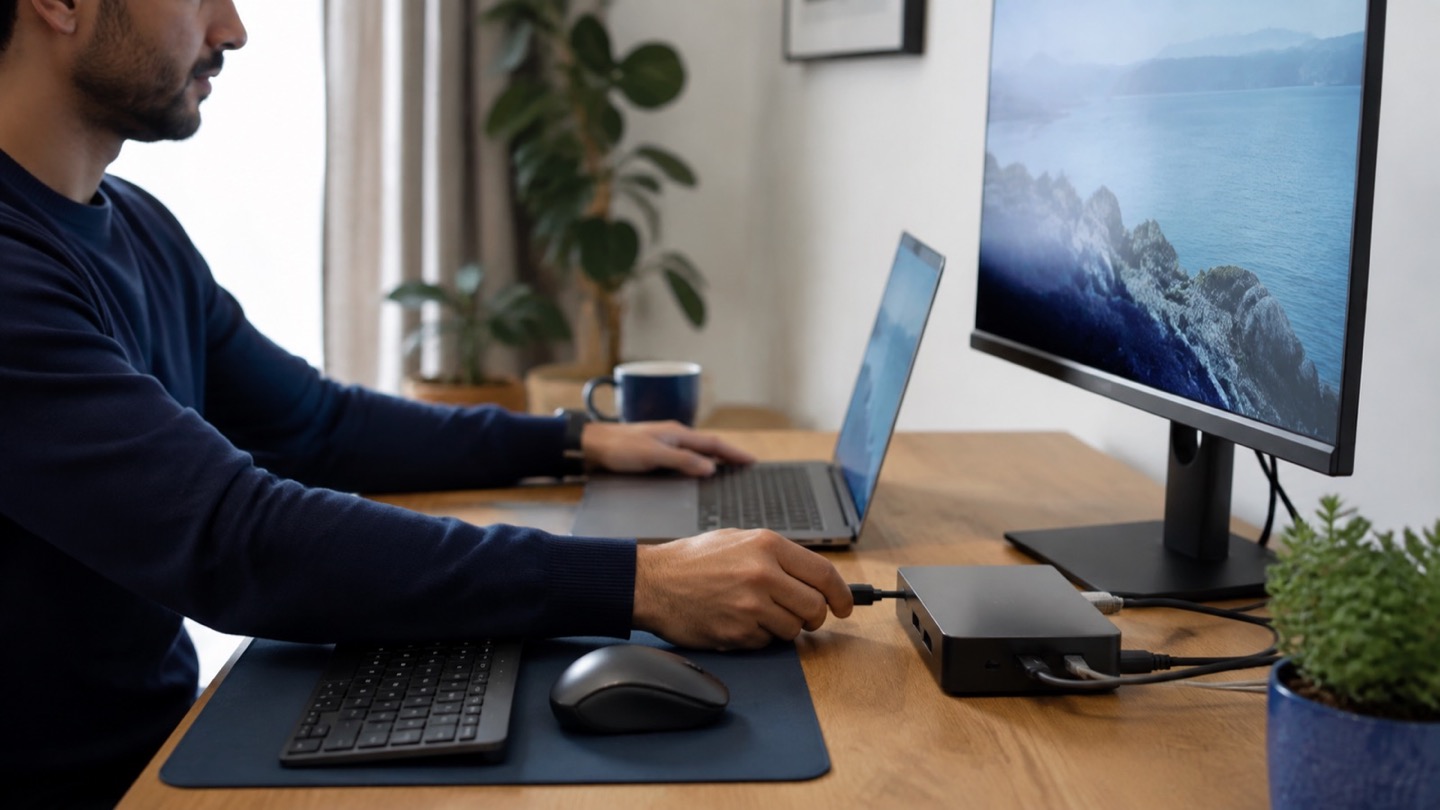
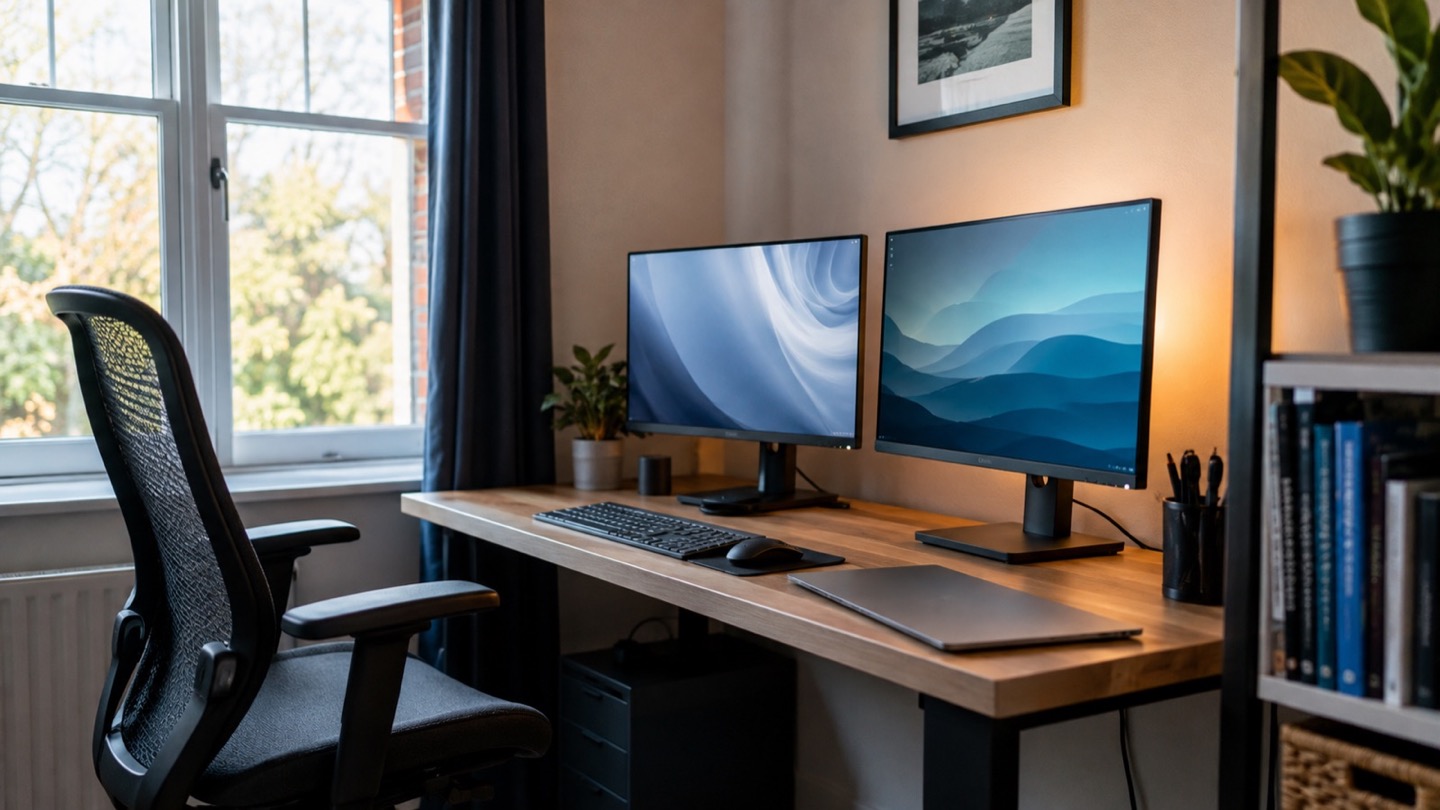
Picture a narrow desk with a laptop, a notebook, and barely enough space for coffee. A second screen should reduce window juggling, not force the keyboard to the desk edge. This is why an inexpensive 24-inch monitor can be a better home-office buy than a discounted 32-inch model.
The useful setup is simple: the primary document or spreadsheet sits at eye level, while chat, reference material, or a video call stays on the side. Text sharpness, comfortable scaling, and a stable stand are what keep that arrangement pleasant for eight hours.
Three useful buying paths
These are practical search directions rather than fixed winners. Product versions, sellers, availability, and prices change, so verify the current listing against the checklist below.
24-inch 1080p IPS monitor
Affordable, easy to place, and comfortable at typical desk distance.
27-inch 1440p IPS monitor
More workspace and finer detail without the scaling demands of 4K.
USB-C monitor with power delivery
Can replace separate display and charging cables when compatibility matches.
Amazon availability and prices can change at any time. Match the full model, included accessories, seller, and return terms before ordering.
What matters before you buy
Pixel density
At 24 inches, 1080p is serviceable; at 27 inches, 1440p generally makes small text look cleaner and creates more usable workspace.
Stand footprint
Check the base depth as carefully as the panel size. A shallow rectangular base leaves more room for a keyboard than wide decorative feet.
Panel and finish
An IPS-type panel offers consistent viewing angles, while a matte finish helps in bright multipurpose rooms.
Ergonomics
Height adjustment is ideal. If it is absent, VESA mounting gives you a practical upgrade path.
Connections
Match HDMI, DisplayPort, or USB-C to the computer you own. A cable included in the box can remove an unexpected extra purchase.
How to make the choice
Before shopping, place a book where the monitor will sit and measure both the panel width and the stand depth. If you plan to keep the laptop open, decide whether it belongs beside the screen or below it on a stand; this affects the size you can comfortably fit.
For two matching external screens, prioritize thin bezels and VESA support. For one monitor beside a laptop, matching physical height matters more than matching brands. USB-C power delivery is convenient, but confirm that its wattage is enough for your laptop.
Your five-minute pre-purchase check
- Write down the exact devices, room, and routine the product must support.
- Open the manufacturer documentation for the precise model or regional variant.
- Price required cables, mounts, subscriptions, consumables, or adapters.
- Confirm seller identity, warranty route, delivery contents, and return window.
- Save the listing details you relied on because marketplace pages can change.
Common mistakes to avoid
- Assuming every USB-C port carries video and charging
- Choosing a 27-inch 1080p panel for close-up text work without seeing it first
- Ignoring a fixed, low stand that forces a hunched posture
Buy for the routine, not the headline
A 24-inch IPS monitor is still the value choice for a tight desk; move to 27-inch 1440p when text clarity and extra canvas justify the added width. Good ergonomics will improve your workday more than an inflated contrast claim.
Browse relevant optionsFrequently asked questions
Is 1080p enough for a 24-inch office monitor?
For documents, web work, and video calls at a normal desk distance, yes. Designers and readers who are sensitive to text sharpness may prefer 1440p.
Can a monitor charge any USB-C laptop?
Only if both devices support USB-C Power Delivery and the monitor supplies enough wattage. Check the laptop charger rating and monitor documentation.
How this guide was prepared
Top100 Tech Lab organized this guide around a real purchasing situation, the capabilities commonly documented for this category, compatibility checks, and the costs that often appear after checkout. We do not present manufacturer claims as independent measurements, and we do not invent personal test results. When a listing conflicts with official documentation, use the manufacturer’s exact model information and contact the seller before buying.